
Kingmaker Mobile Casino App AU

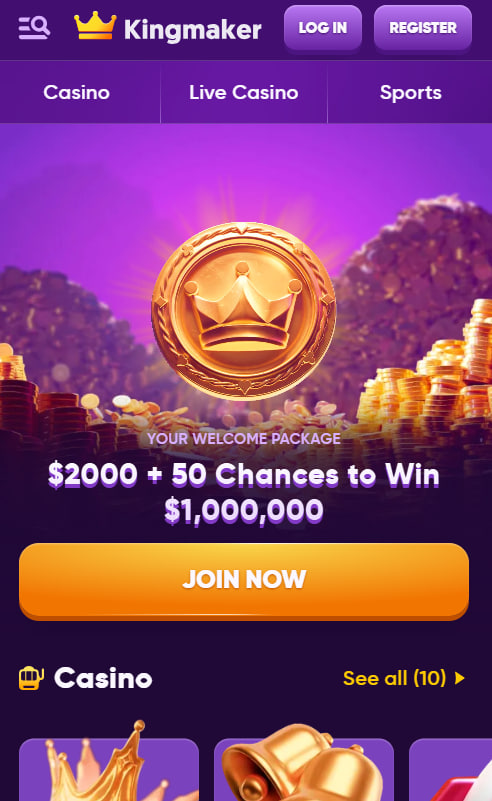
Kingmaker Casino is fully accessible on iPhone and Android devices through a Progressive Web App rather than a native iOS or Android download. This approach reflects the policies of Apple's App Store and Google Play, which restrict real-money gambling apps in the Australian market. The mobile experience runs through Safari, Chrome or Samsung Internet and delivers the full game library, sportsbook, live dealer tables and account management in a touch-optimised interface. The sections below explain how the Progressive Web App works, how to save Kingmaker to the home screen on both platforms, and what to expect from mobile gameplay.
Why There Is No Native iOS or Android App
Kingmaker does not distribute a native mobile application through the Apple App Store or Google Play, and this is a deliberate consequence of platform policy rather than a choice by the operator. Both Apple and Google restrict listings of real-money gambling apps for Australian users, meaning no major AU-facing casino can publish a conventional app on the official stores. Players should also be aware that any third-party "Kingmaker APK" file is not official and may contain malware — the only legitimate route is the Progressive Web App.
How the Progressive Web App Works
A Progressive Web App is a website that behaves like an installed application once saved to a mobile device's home screen. After installation, Kingmaker launches in full-screen mode with its own icon, hides the browser interface and provides navigation that mirrors a traditional app. Game updates apply automatically, and the PWA consumes effectively no device storage compared to a full native install. The trade-off is that features like push notifications and biometric login are not currently supported through the Progressive Web App framework.
How to Install Kingmaker on iPhone (iOS)
Installing Kingmaker on an iPhone or iPad requires Safari — the steps below do not work in Chrome or other browsers on iOS due to platform restrictions. The full installation takes under thirty seconds and creates a home screen icon that launches the casino in a dedicated full-screen view.
- Open Safari on the iPhone or iPad and navigate to the Kingmaker website
- Tap the Share icon — the square with an upward-pointing arrow — at the bottom of the screen
- Scroll down the share menu and tap Add to Home Screen
- Confirm the icon name (default is "Kingmaker") and tap Add in the top-right corner
- Locate the new Kingmaker icon on the home screen and tap to launch the full mobile interface
How to Install Kingmaker on Android
On Android devices, the installation steps work in Chrome, Samsung Internet and most modern mobile browsers. The process produces the same outcome as the iOS install — a home screen icon that launches Kingmaker in full-screen mode without browser controls.
- Open Chrome or Samsung Internet on the Android device and visit the Kingmaker website
- Tap the three-dot menu in the top-right corner of the browser interface
- Select Add to Home screen or Install app depending on the browser version
- Confirm the icon name and tap Add or Install to finalise the placement
- Open the new Kingmaker icon from the home screen to launch the casino in full-screen mode
Mobile Gameplay and Performance
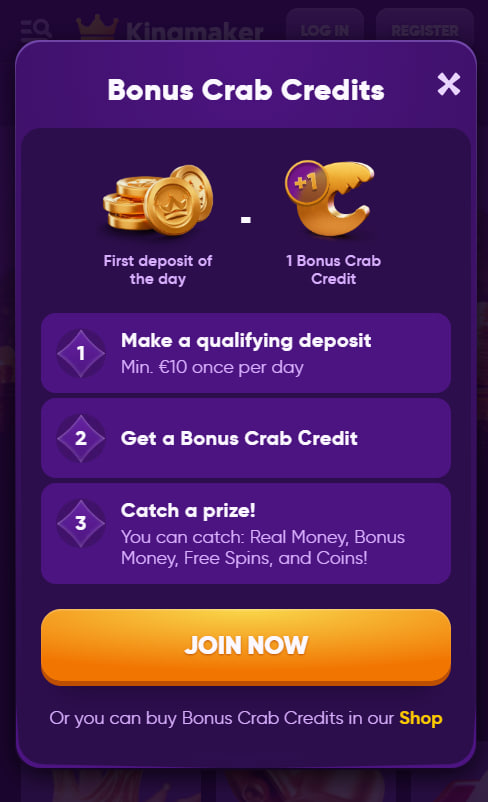
The mobile experience at Kingmaker delivers the full pokie library, live dealer hall and sportsbook in a touch-optimised interface. All games run on HTML5, eliminating the need for external plugins. Pokies display in portrait orientation by default, with most titles supporting landscape rotation for an expanded bonus view. Live dealer tables stream in high definition over 4G or 5G, with multi-table view available on tablet screens. Load times typically fall under three seconds on modern devices with a stable connection. Players who haven't yet created an account can register directly through the mobile interface.
Mobile Features and Limitations
The Progressive Web App handles every standard player action — depositing, withdrawing, claiming bonuses and contacting support — directly within the mobile interface. Some features common to native apps remain outside the current PWA scope, and these are listed below to set clear expectations before installation.
- Available: full game library, live chat, in-account messaging, deposits and withdrawals, bonus claim and account verification document upload
- Not available: native push notifications for tournaments or promotions, Face ID or Touch ID login, offline play and in-app voice chat at live tables
Mobile Deposits and Withdrawals
Every payment method available on desktop also functions through the mobile PWA. PayID is particularly convenient on smartphones, since the process uses only a phone number or email address rather than card details. Cryptocurrency deposits via Bitcoin, Ethereum, USDT or Litecoin can be completed by scanning the wallet QR code directly from the device. The complete list of bonus-eligible deposit methods is available on the bonus page.

Marigold Kingsley
Marigold Kingsley reports on offshore-licensed online casinos serving Australian players at king-maker-casinos.com, focused on the KNG Marketing Ltd / NovaForge LTD-operated Kingmaker Casino under Gaming Board of Anjouan licence since 2024 — one of the rare Anjouan-licensed brands in the AU market. Writes about 11,000+ pokie libraries from 100+ studios including Pragmatic Play, Playtech, Microgaming and Novomatic, 500+ Evolution and Playtech live floors with Gold Saloon exclusives streaming Mega Roulette 500x multipliers, integrated 38-category sportsbooks covering AFL, NRL, A-League, cricket and esports like Dota 2 and CS:GO, three-stage A$2,000 welcome packages paired with 150 free spins and A$1,000,000 Royal Fortune Wheel prize draws, five-tier Bronze-to-Diamond VIP ladders delivering up to A$4,500 weekly cashback with unusually low 1x wagering throughout, 25% live casino cashback featuring 1x wagering, AUD cashiers running PayID and nine cryptocurrencies with 24-hour crypto withdrawals offset by weekend processing holds, and Progressive Web App distribution skipping App Store and Google Play through Safari and Chrome home-screen routes.